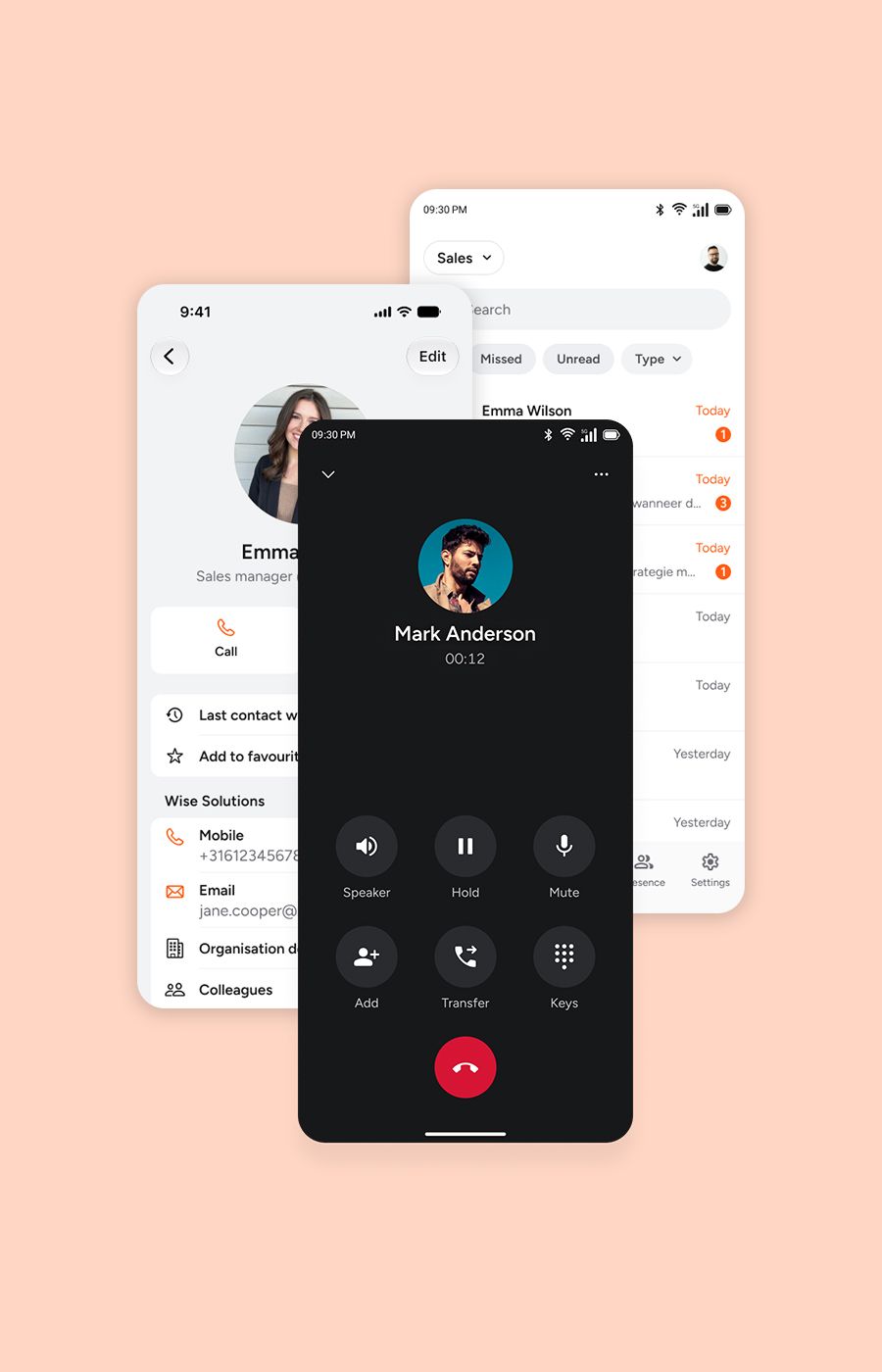
Grip on every conversation, from call management to a full contact centre
No separate module to buy, no extra cost to justify. Whether you're answering the phone with a couple of colleagues, or running a full contact centre operation, call redirects, queues, call groups, reporting, and listening in to coach your team all come as standard with Xelion. You decide what you use, it's already yours.
Inbox
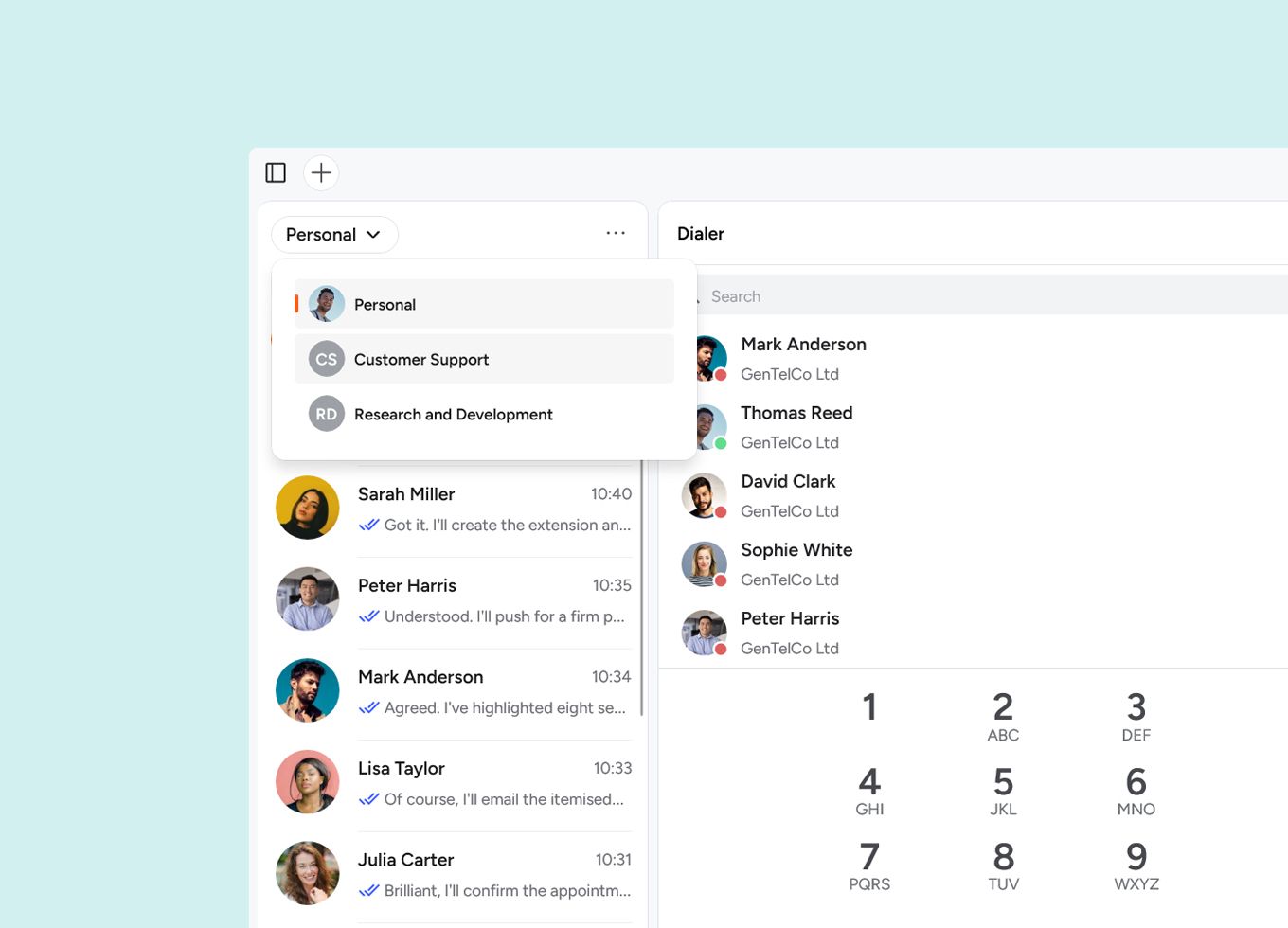
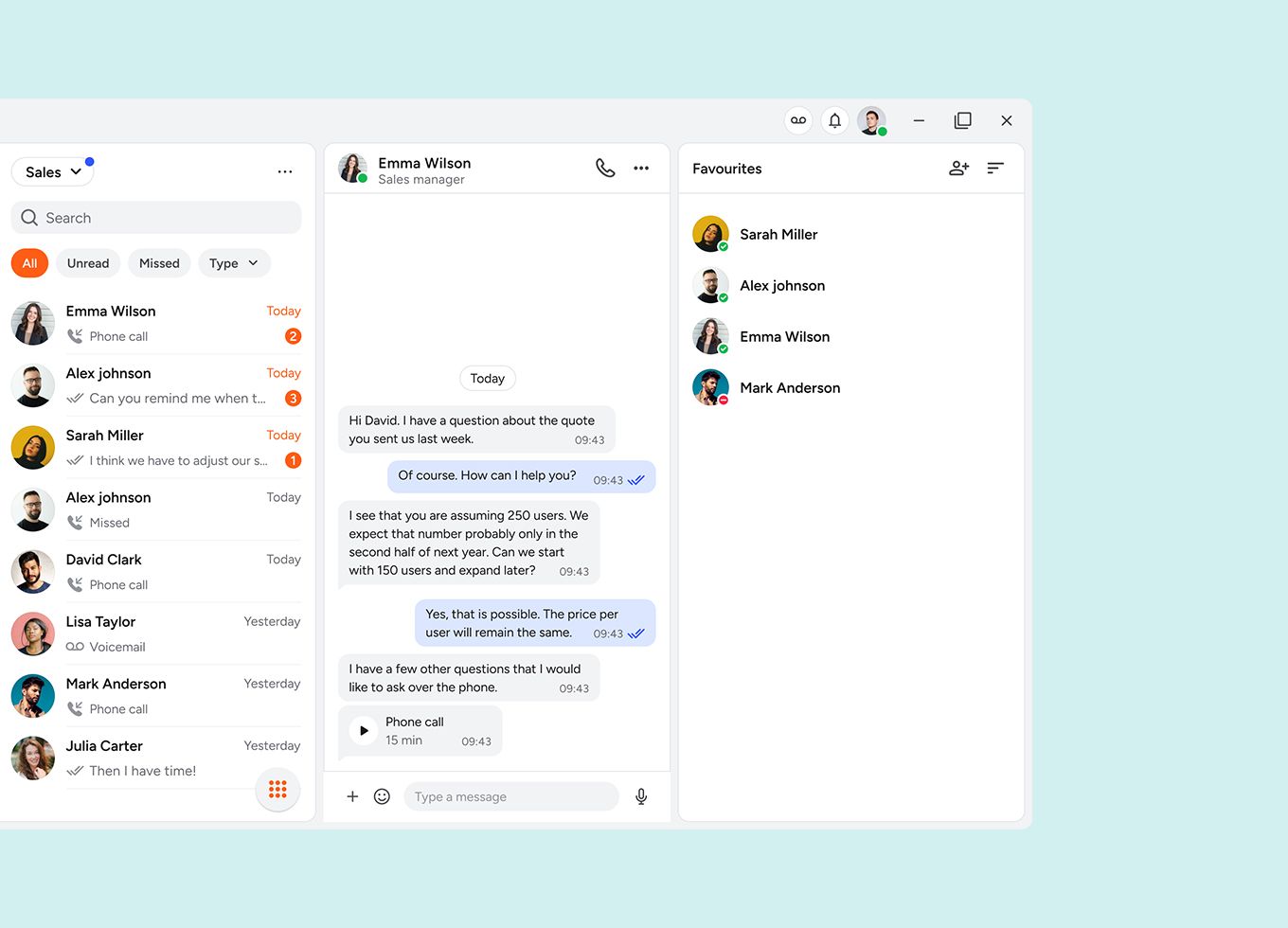
See which conversations and messages colleagues have had with a client, department by department. That way, you can immediately see what's already been discussed, and everyone in the department has the right information to hand.
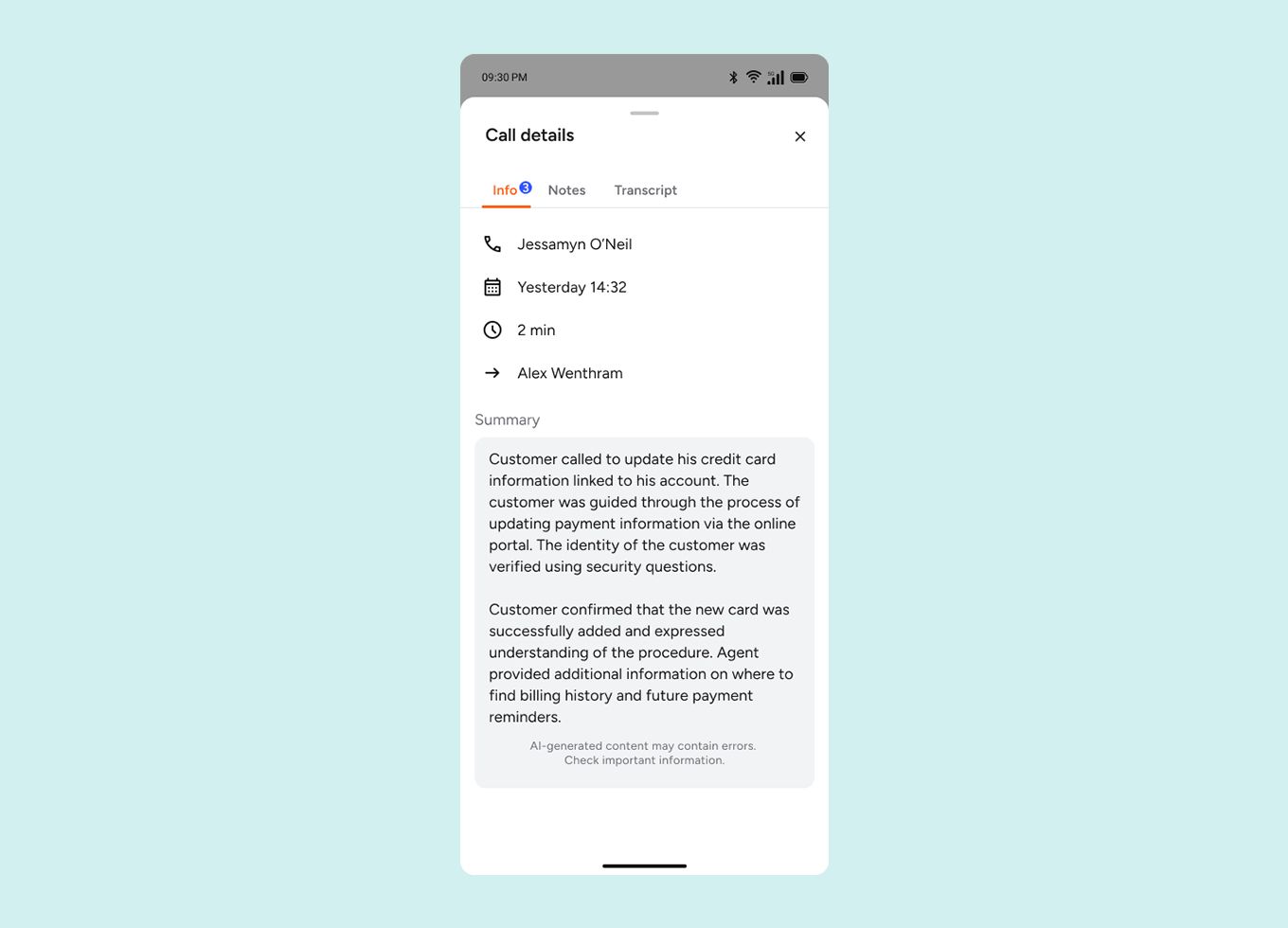
See straight away what contact a customer has already had with your business. That way, you know what's going on and can pick the conversation back up quickly and personally, without the customer having to repeat themselves.
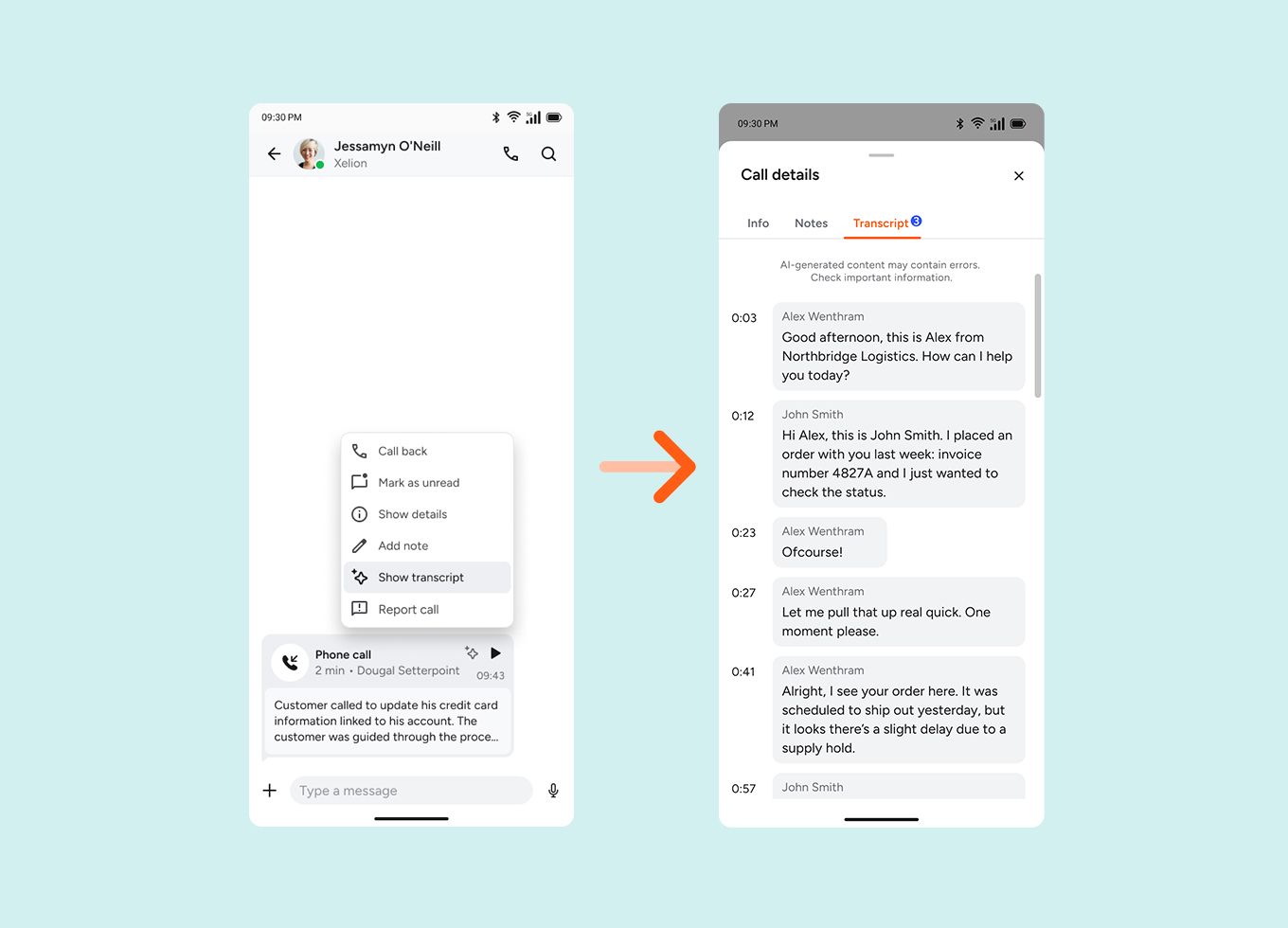
Automatically turns your recorded conversations into text, so you can easily read, search and share them. Start transcription manually, or set conditions for it to happen automatically.

Call routing
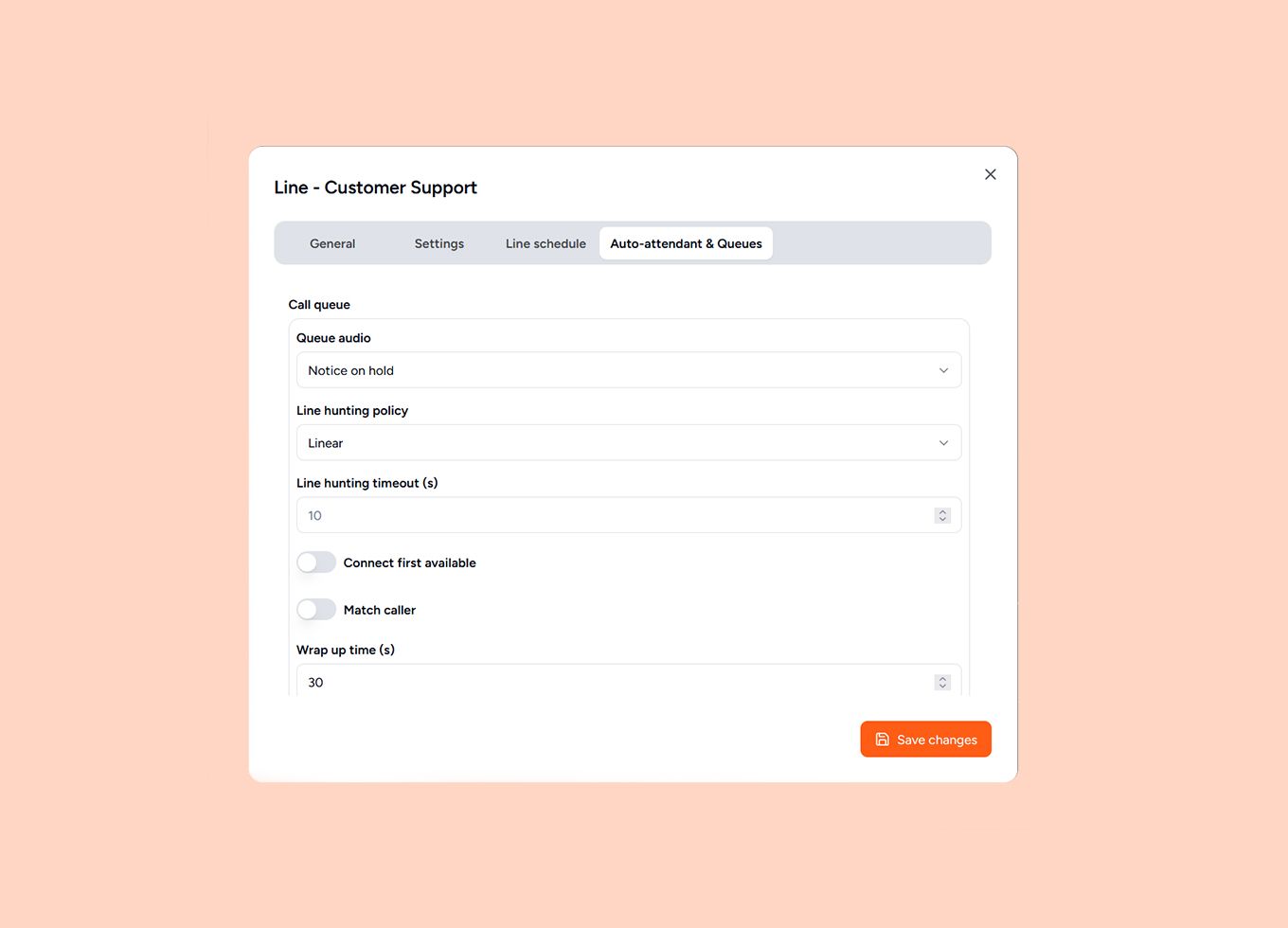
Decide for yourself how many callers are allowed in the queue, and what happens if the wait time builds up. For example, redirect calls to another department, play a message, or offer to call them back.
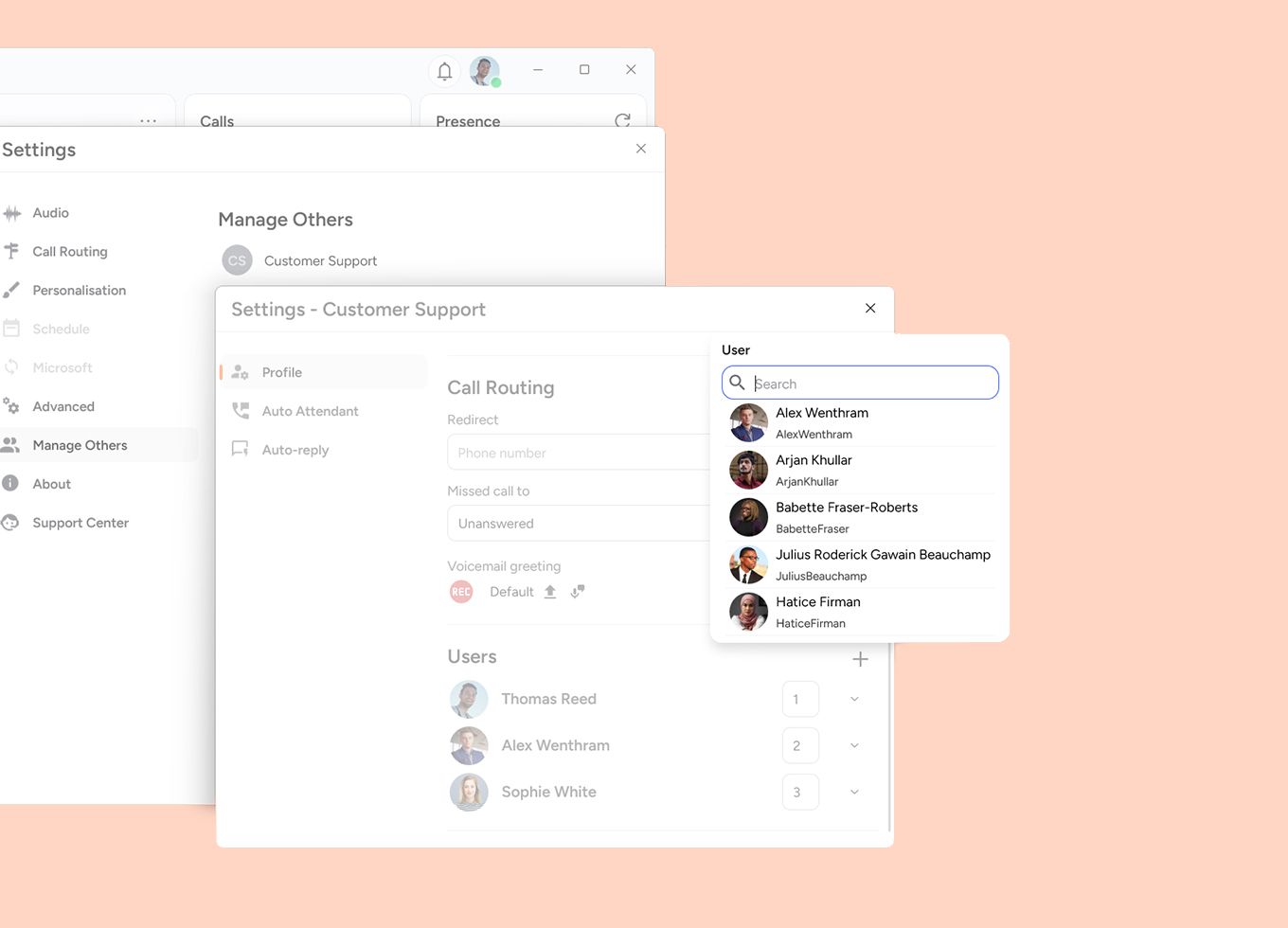
Manage call groups directly from the app and adjust settings easily. Add colleagues, change the call order, or set availability. That way, you can respond quickly to a rush of calls, a colleague off sick, or a team outing, and your organisation stays easy to reach.
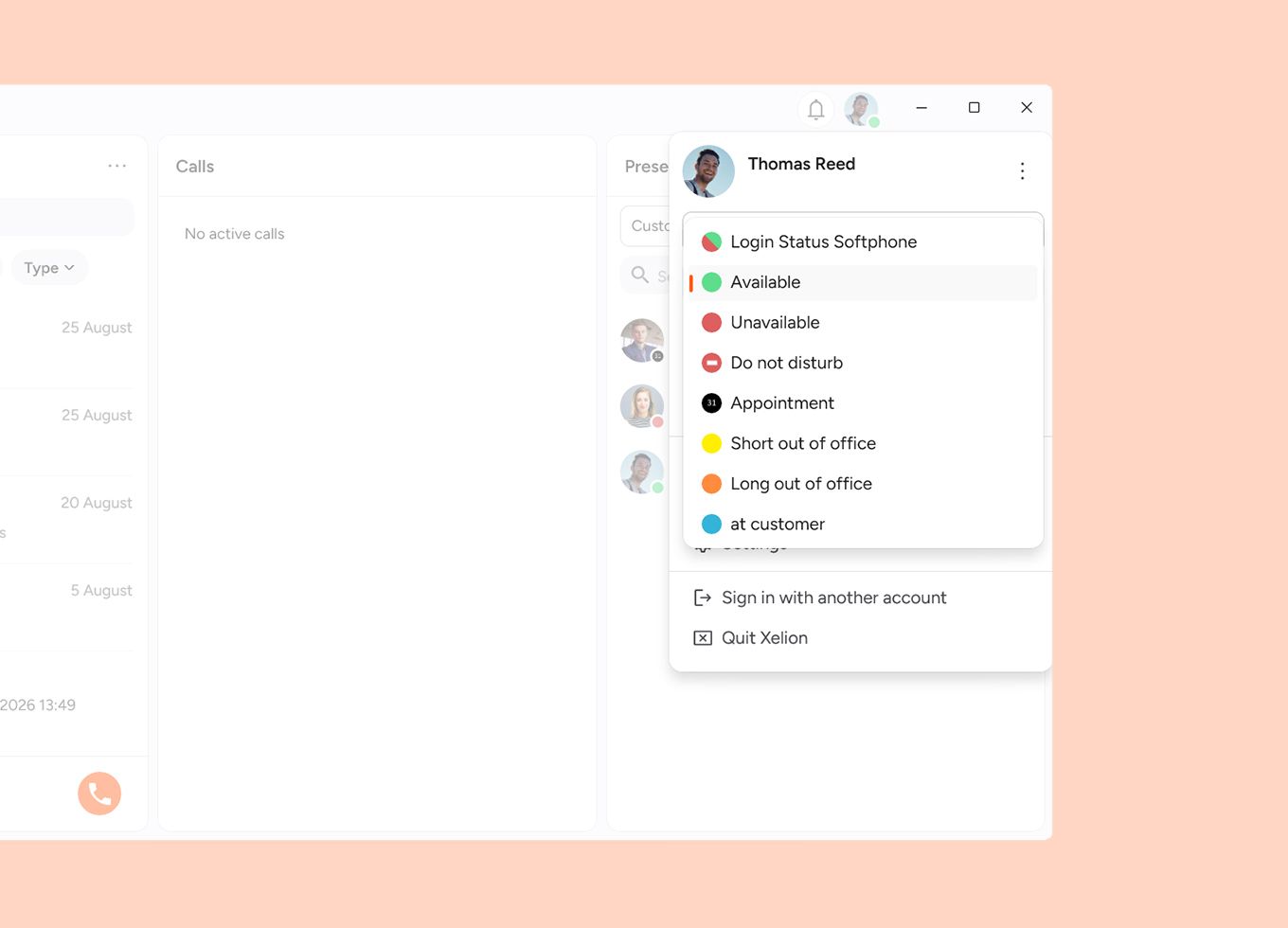
Simply show whether you're available, busy or unavailable. Colleagues see straight away who can be reached, and calls are automatically redirected to someone else in the call group. With a temporary status or a personal message, you keep everyone in the loop.

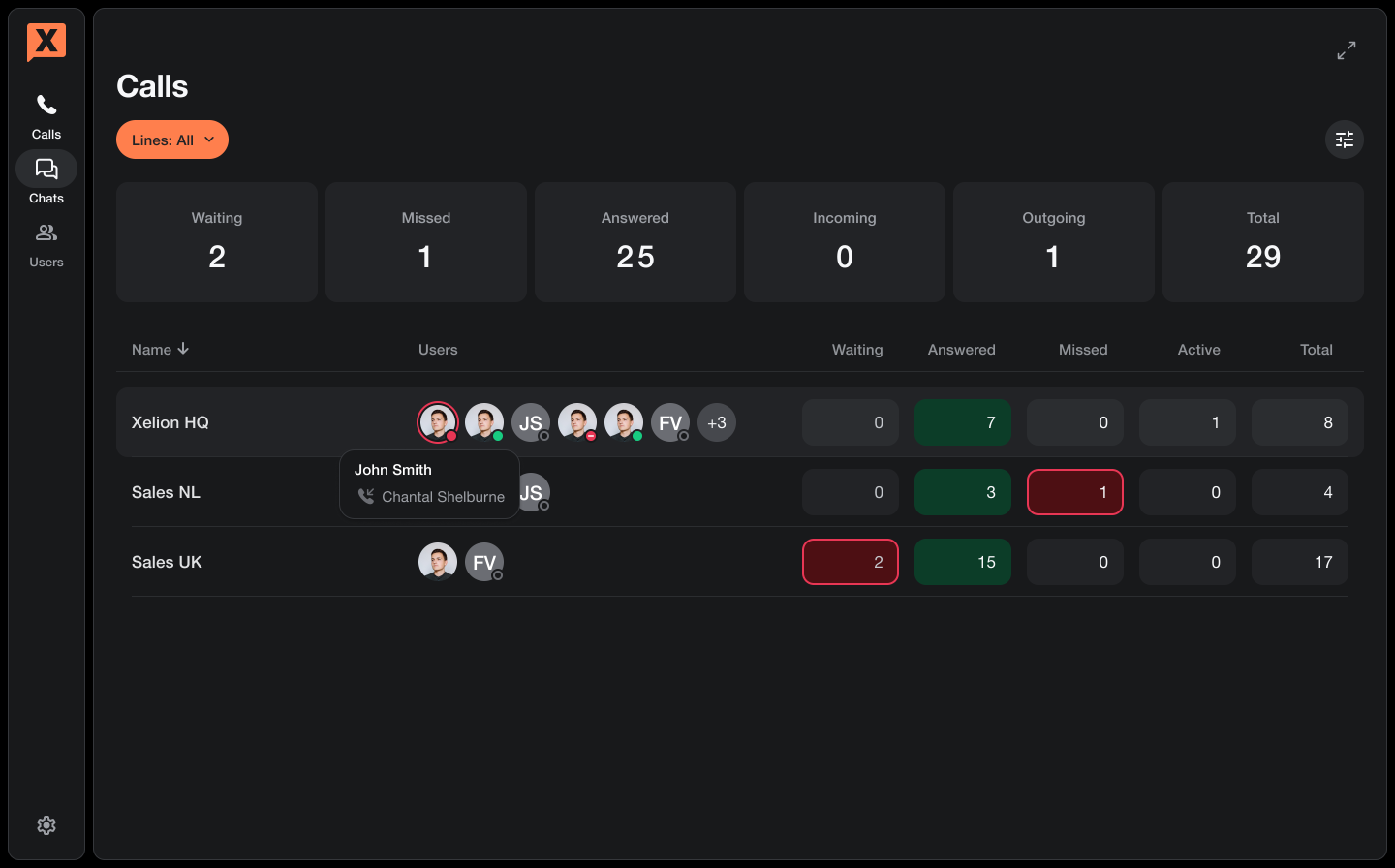
Reports
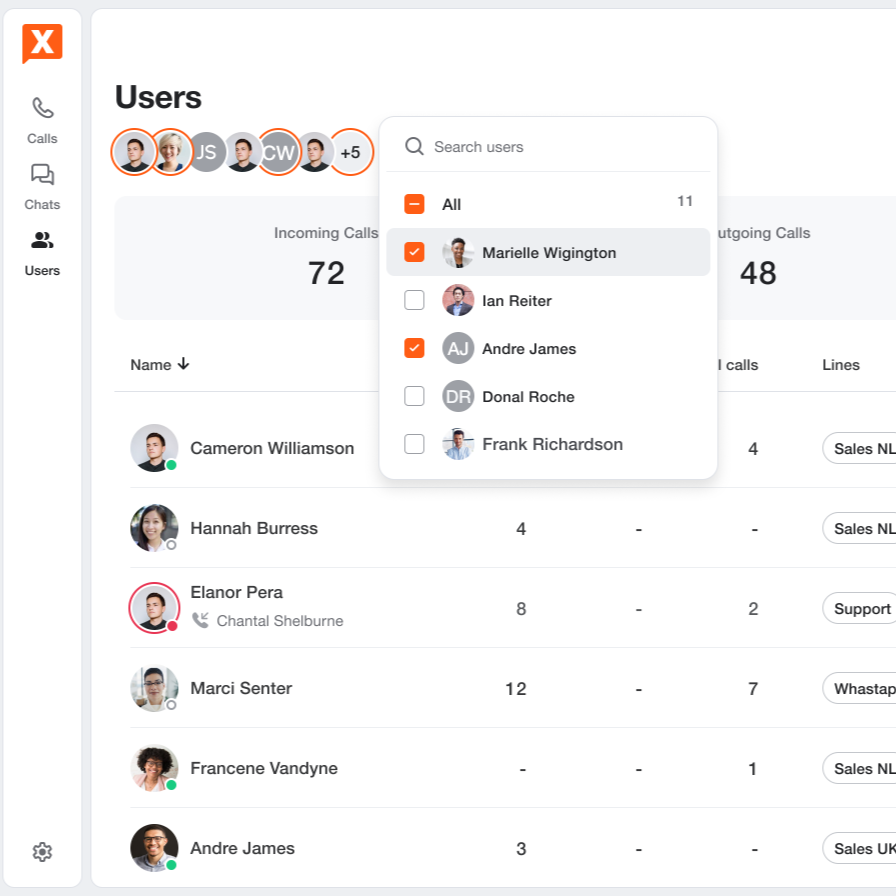
See how available your business is in clear reports, from the number of incoming calls to average wait time. Set up which reports automatically land in your email inbox, and how often. That way, you can quickly see what's working well and where to make adjustments.
Learn more about reportsCall window
Make a note during or after a call, and log any important appointments. Add labels and forward the information to your CRM via a link. That way, valuable customer information stays available to anyone who needs to pick it up.
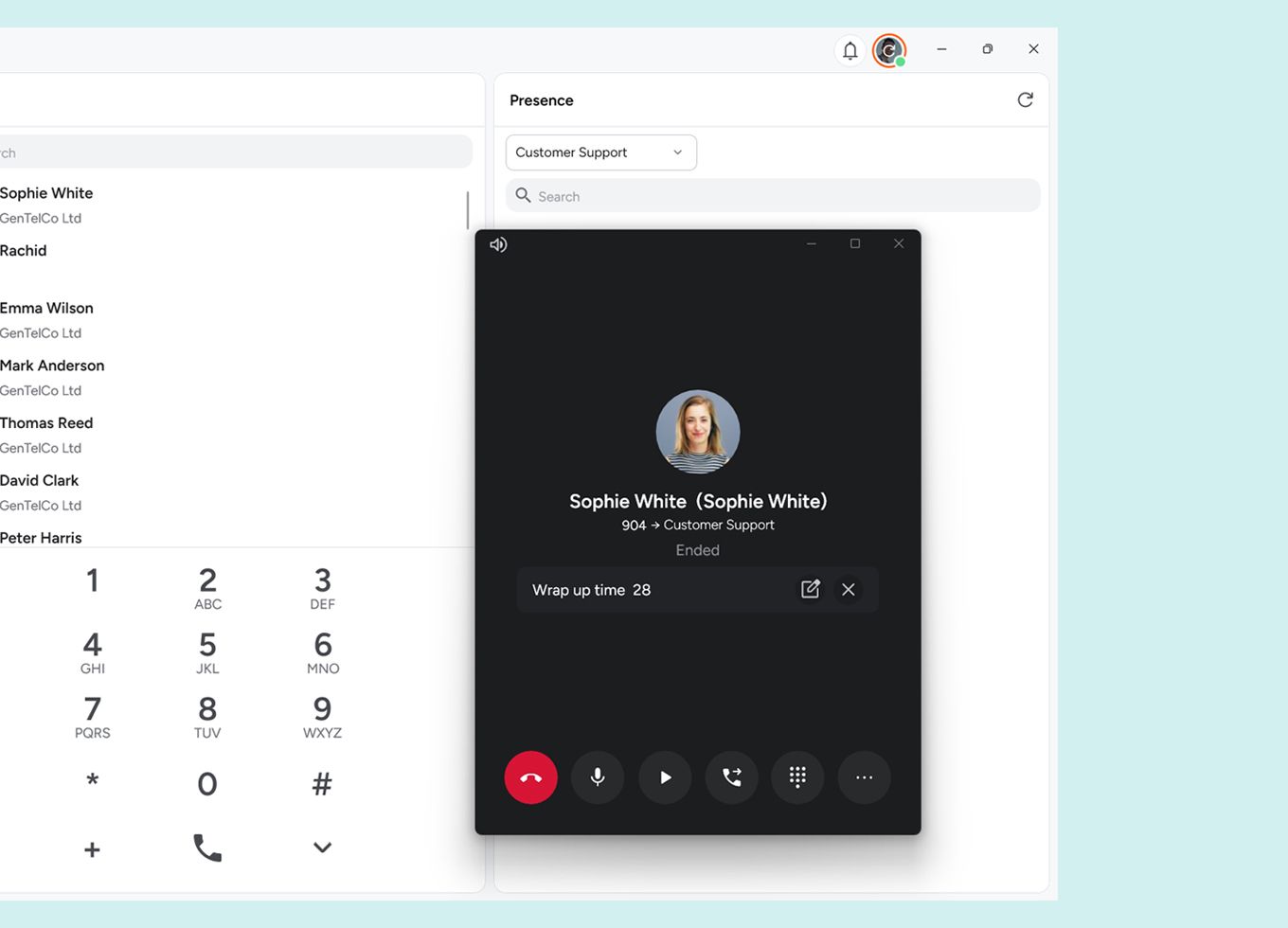
Automatically set aside time after each conversation to finish your notes or admin. During that time, you won't receive new calls. That way, you properly wrap up one conversation before the next one starts.
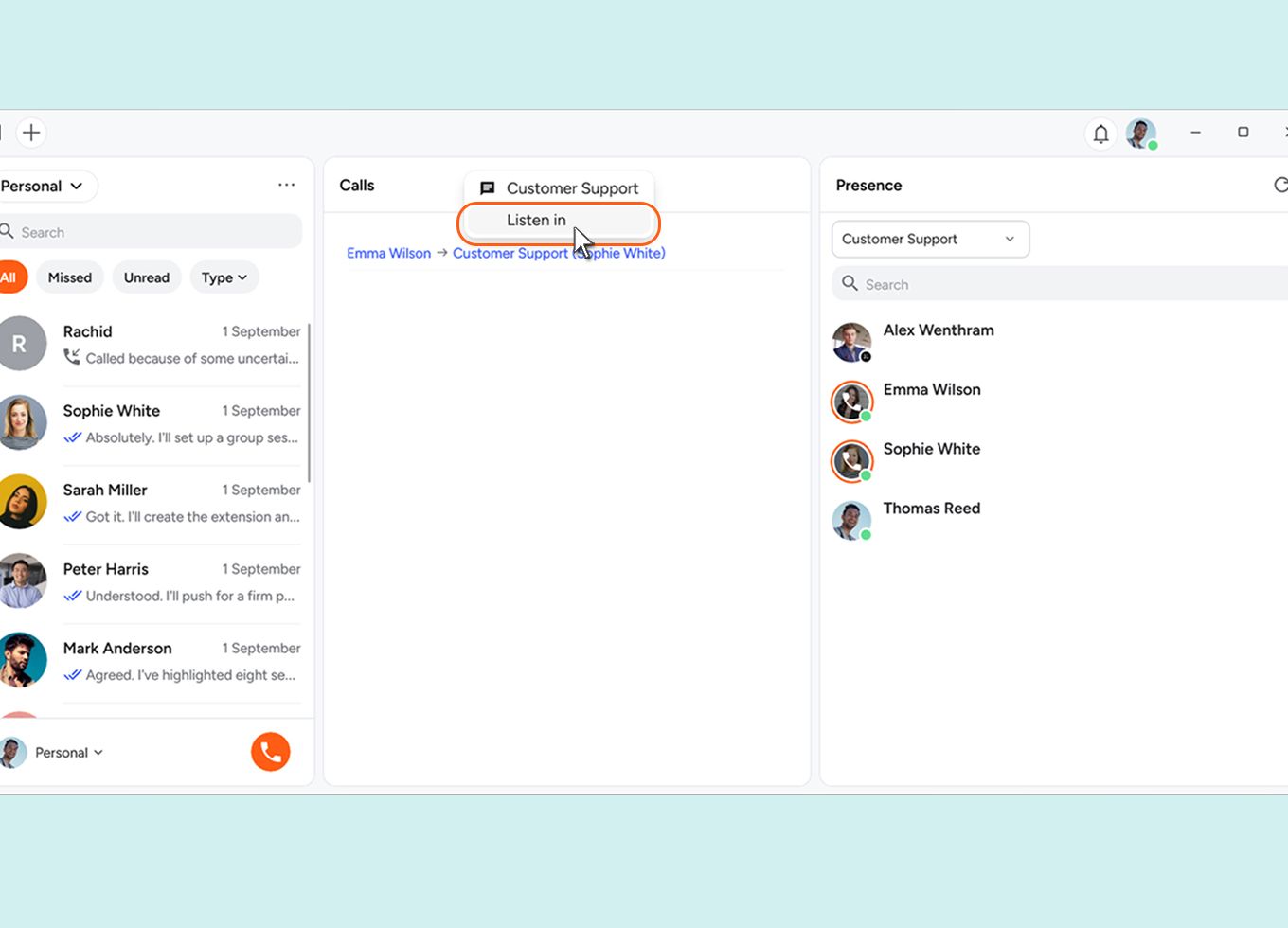
Listen in live on a colleague's conversation and cue them in with advice the customer won't hear. That means you can support and guide colleagues directly, and work together on better customer conversations.

Ready to take control of every conversation?
Conversation recording, call routing, listening in, in-depth reporting, and plenty of other features are all standard in your Xelion licence.
Request a demo