Customer Experience
All the features for business telephony
Xelion brings telephony for your whole organisation into one place, so employees can pick up calls wherever they're working, keep their status and diary up to date, and handle voicemail, hot desking, and call redirects without leaving Xelion.
- Take calls on any device, wherever you're working
- Keep availability organised, so nothing's missed
- Find colleagues and customers in seconds
Always available
Telephony that fits the way you work
Not every employee works in the same place, at the same times, or with the same device. With Xelion, you set up telephony flexibly for different workplaces and roles, while employees still have room for their own preferences.
Flexible working
Employees can call and stay available from wherever and on whatever device suits their work.
Availability
Working hours, availability, and personal preferences make sure telephony fits the working day.
Quick contact
Colleagues, contacts, and important information are easily available whenever you need them.

Features that keep your organisation connected
From status and schedules to menu options: these are the building blocks that keep your organisation connected around the clock.
Know who's free, before you call
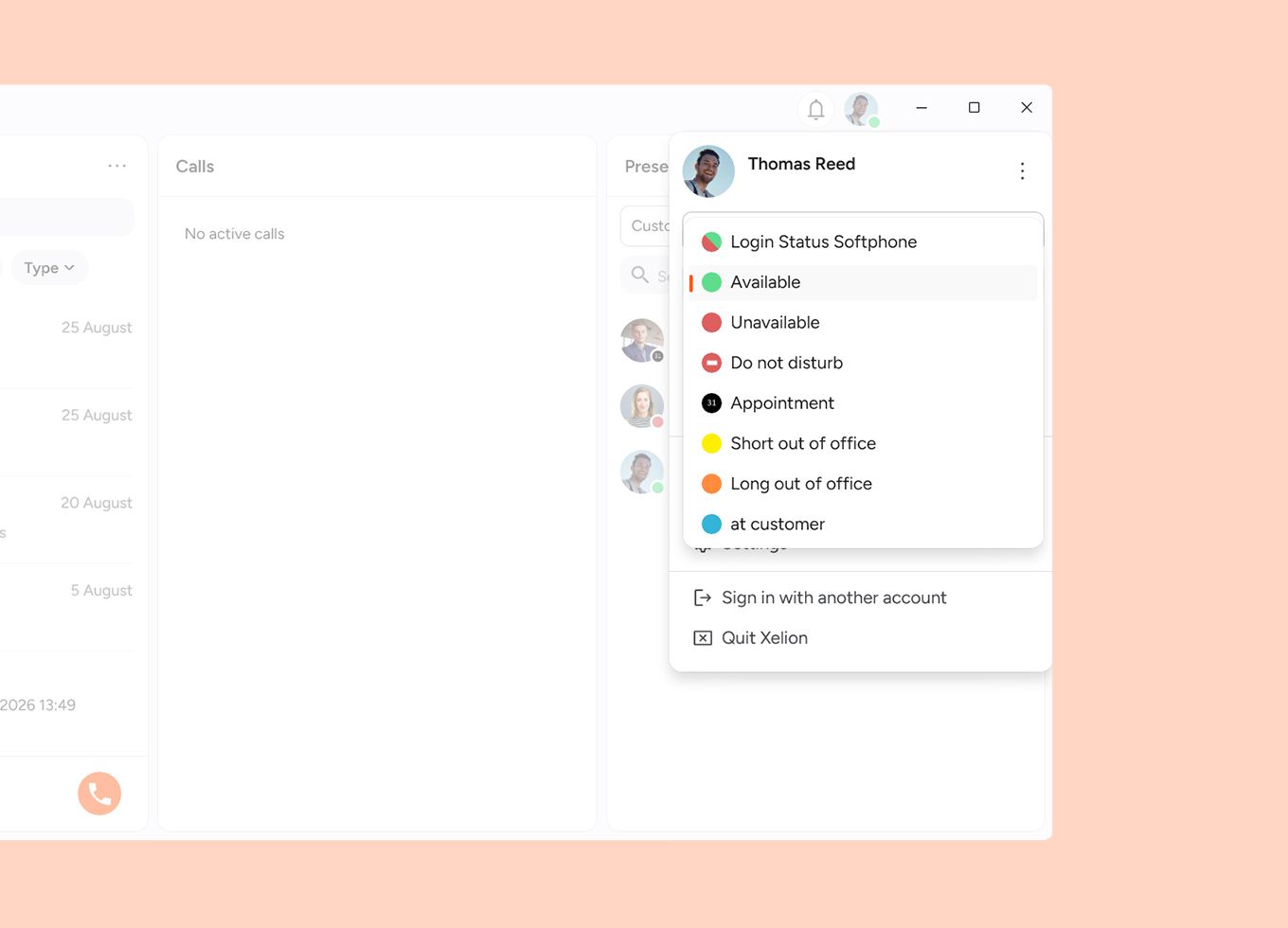
Easily show whether you're available, busy, or away. Colleagues can see straight away when they can reach you.
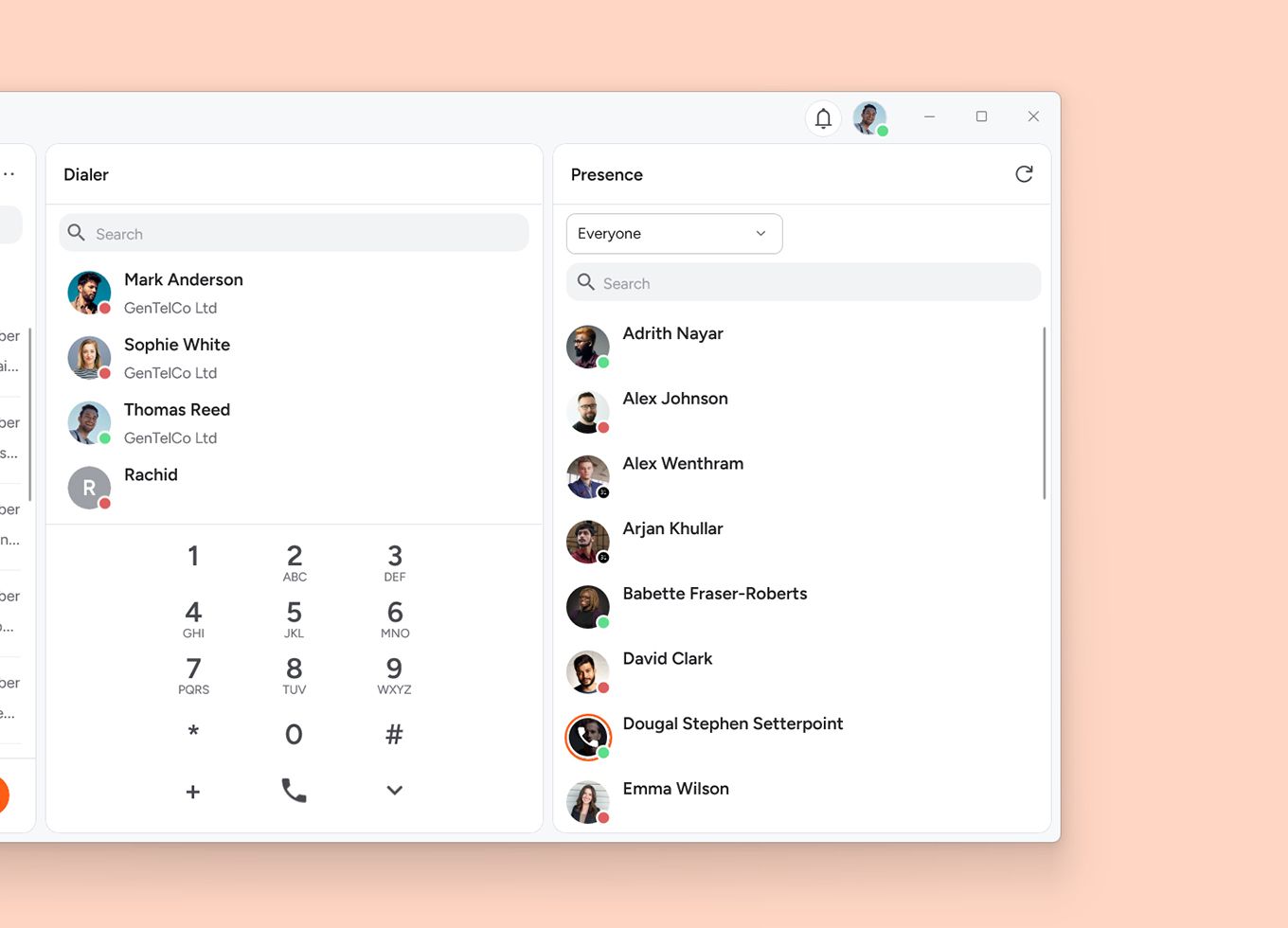
Check who's free right now across colleagues and departments. Check their status and calendar, and start a call or chat right away. So you always know who to turn to.
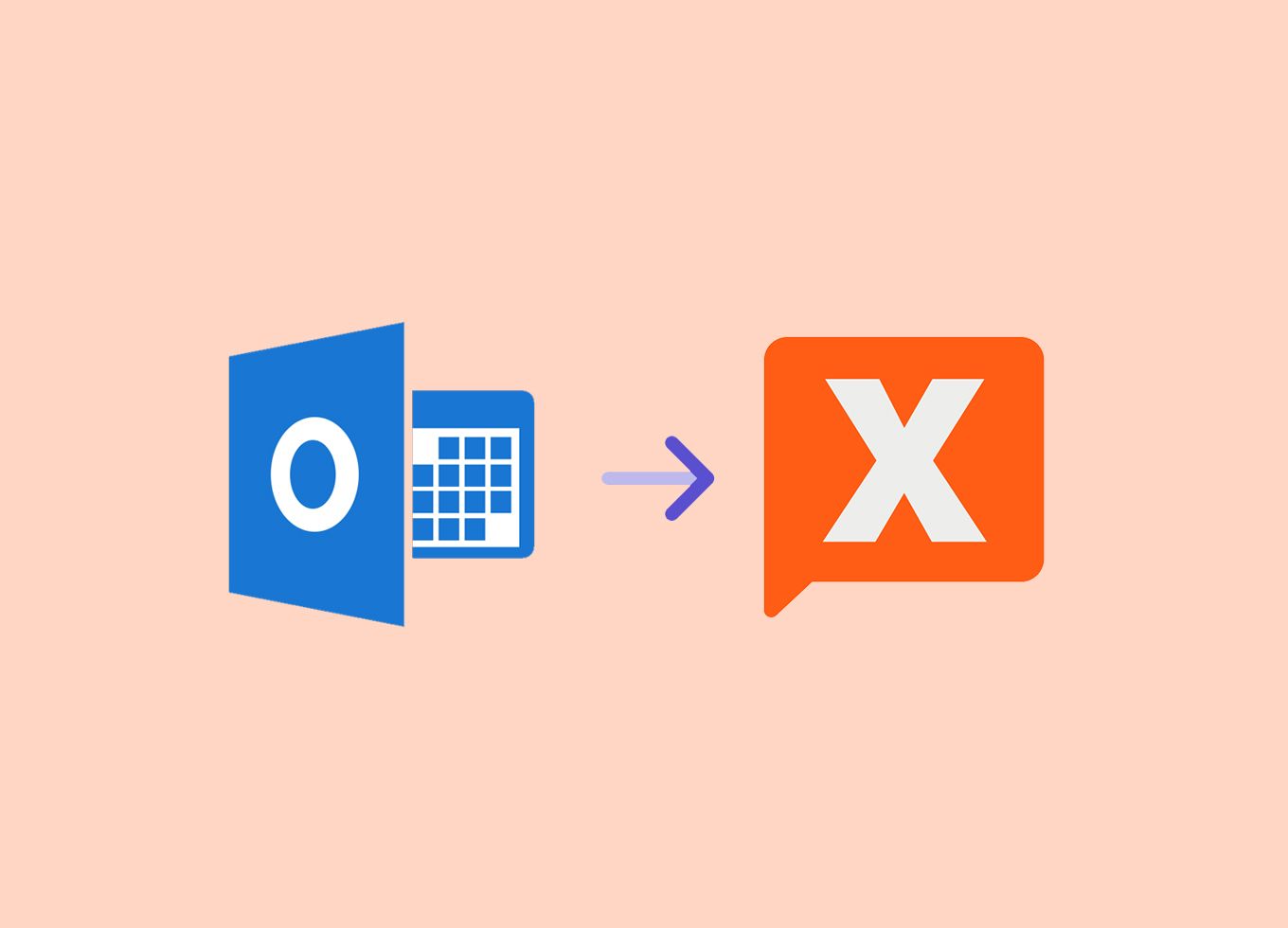
Link your Microsoft 365 calendar to Xelion, and your status updates automatically based on your appointments. No manual updates needed.

Calls routed to the right person, every time
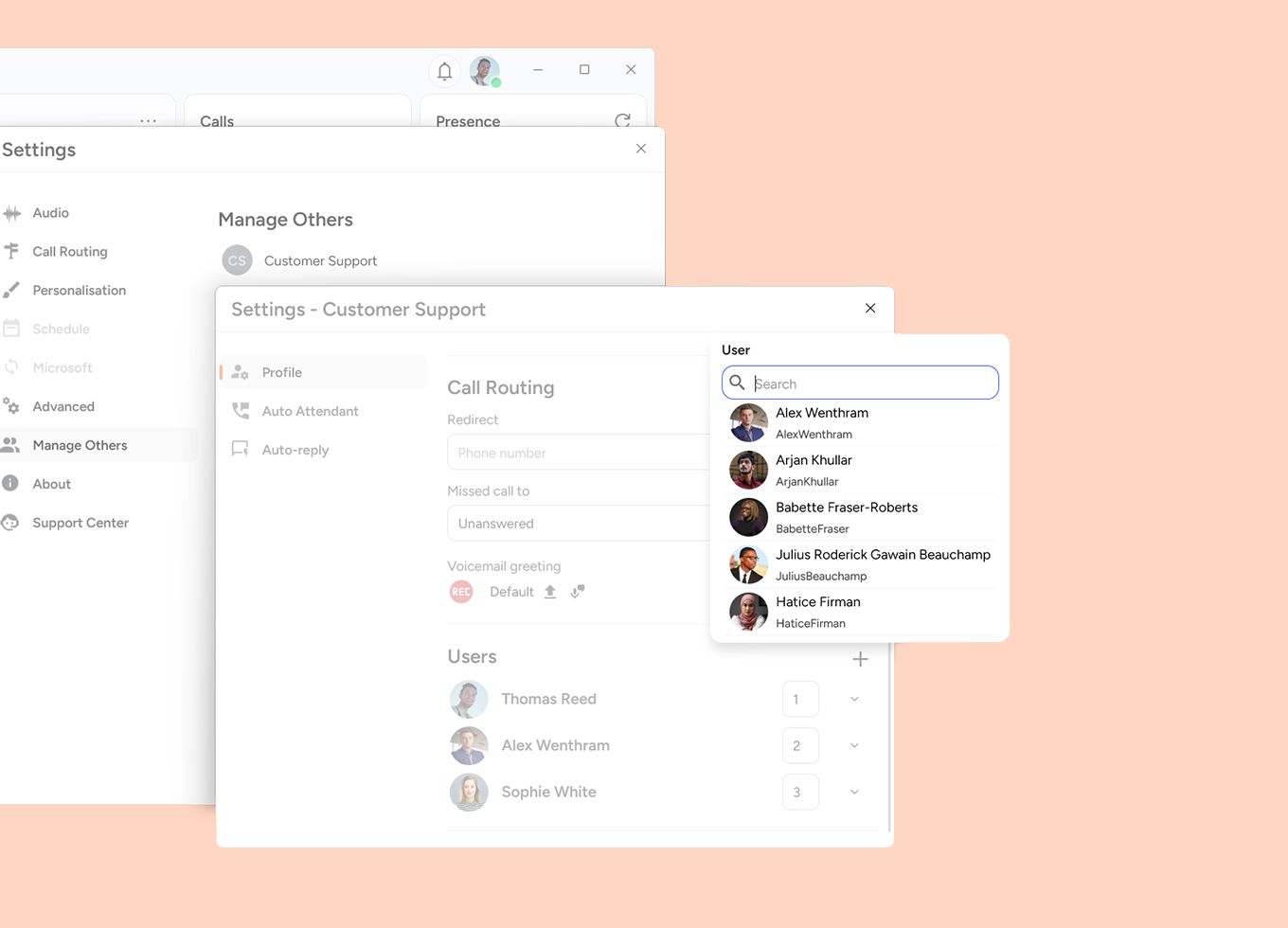
Distribute incoming calls to the right colleagues or teams. Easily set up call groups, decide the ringing order, and set who's available and when.
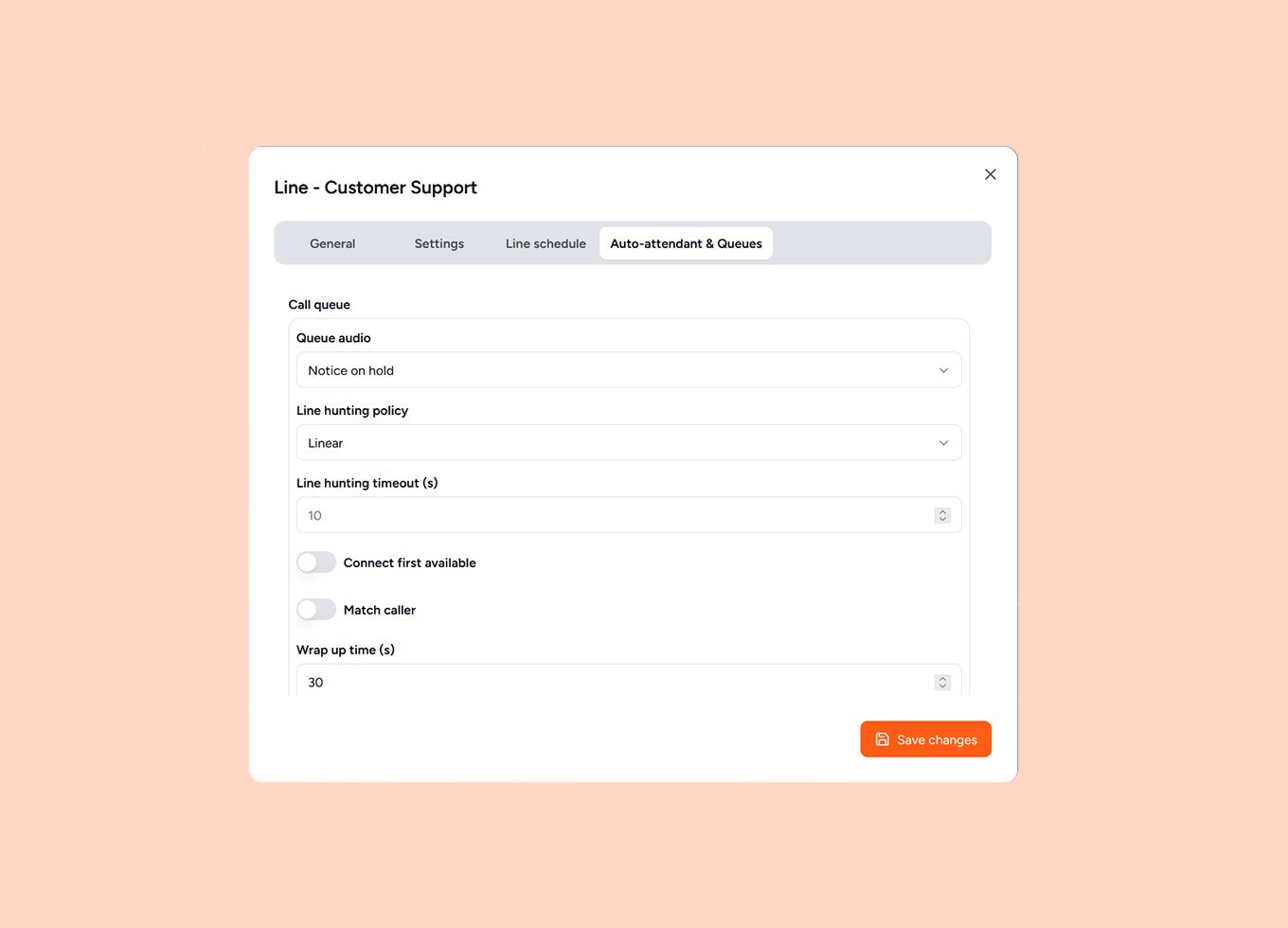
Route callers to the right department quickly with a menu option. Set up queues flexibly, and decide what happens when it's busy or wait times run longer.
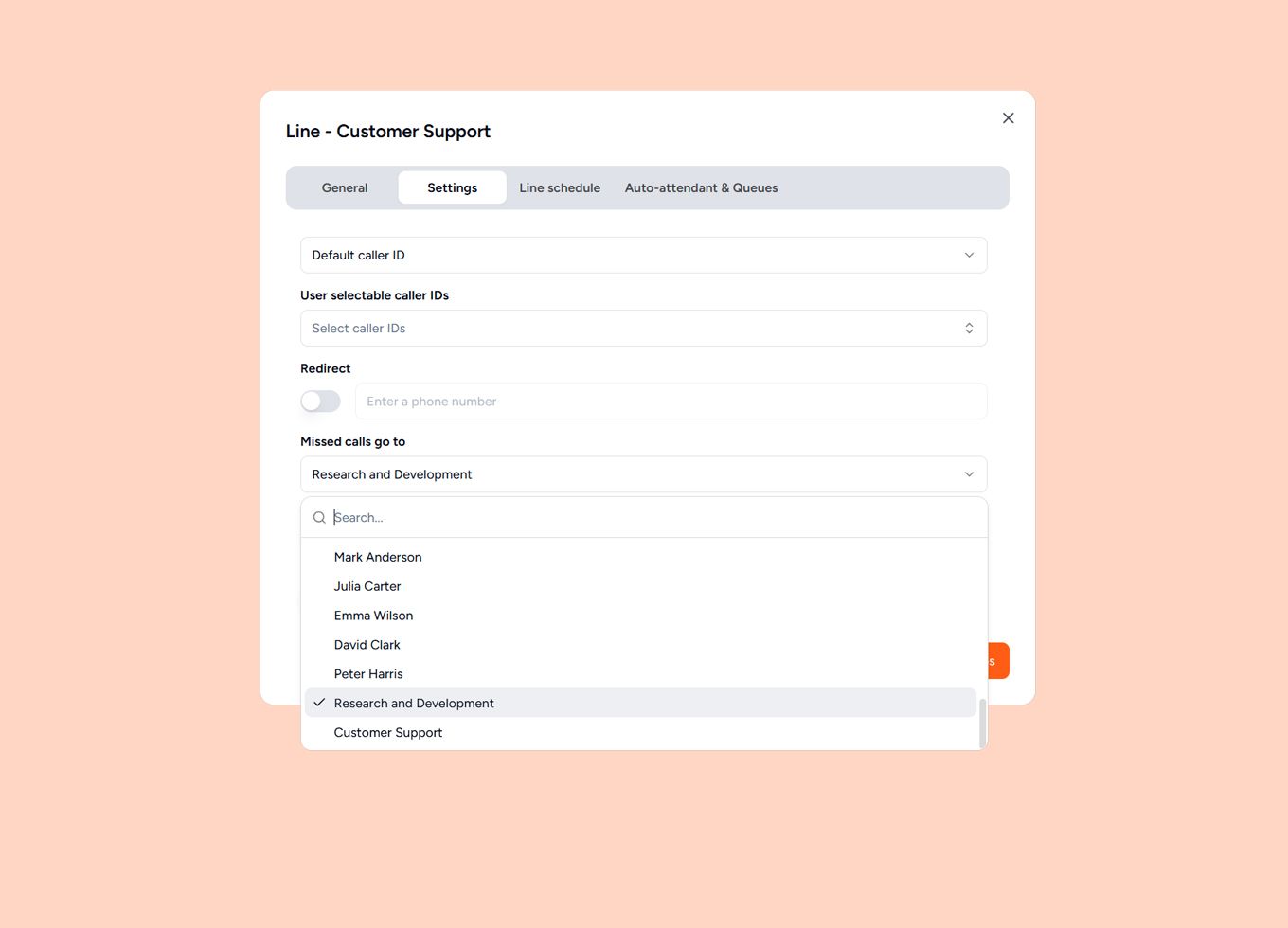
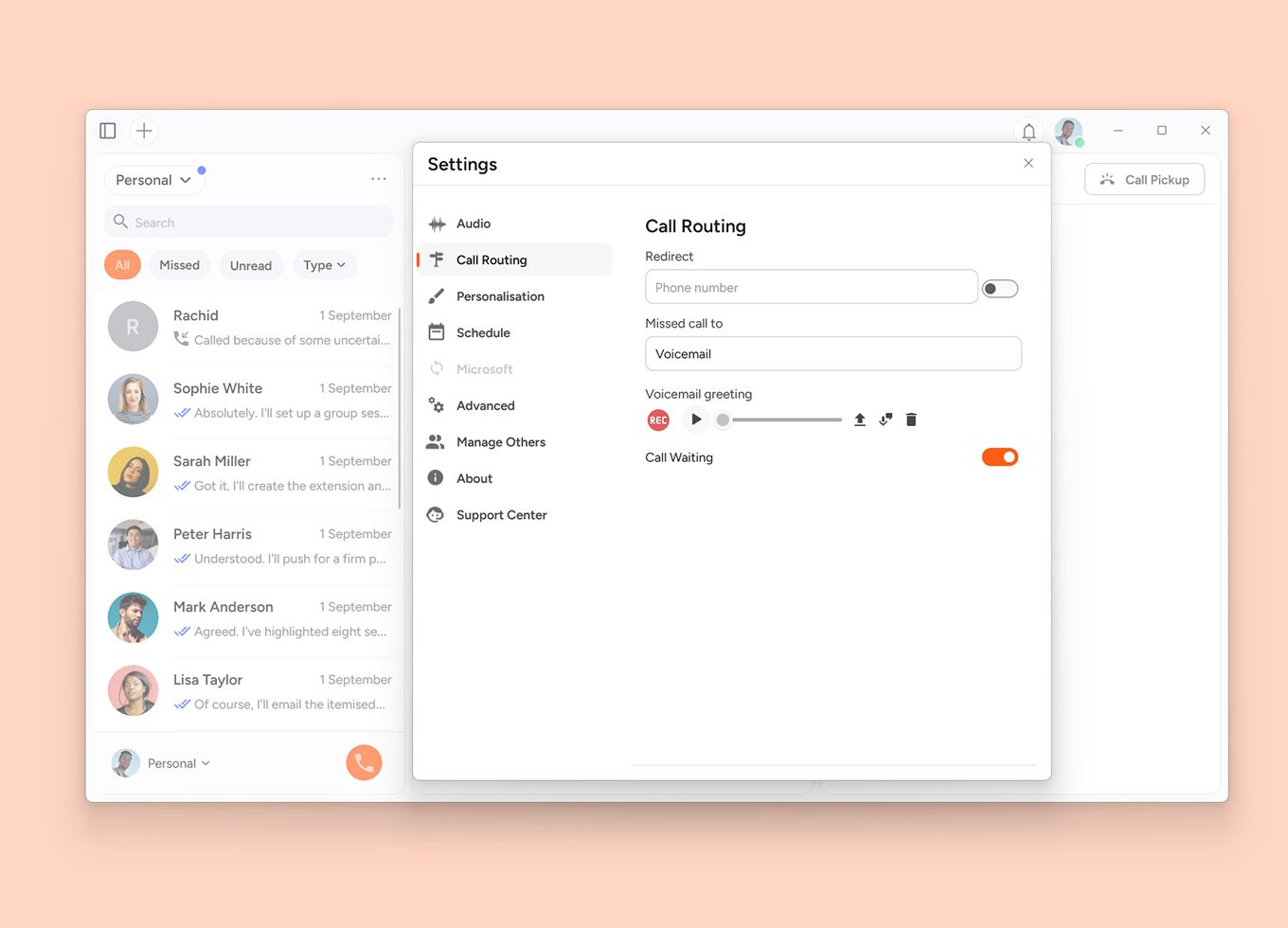
Decide in advance what happens if a call isn't picked up. Forward it to a colleague, another group, or voicemail, for example. This way, no call goes unanswered.
The same functionality, on every device
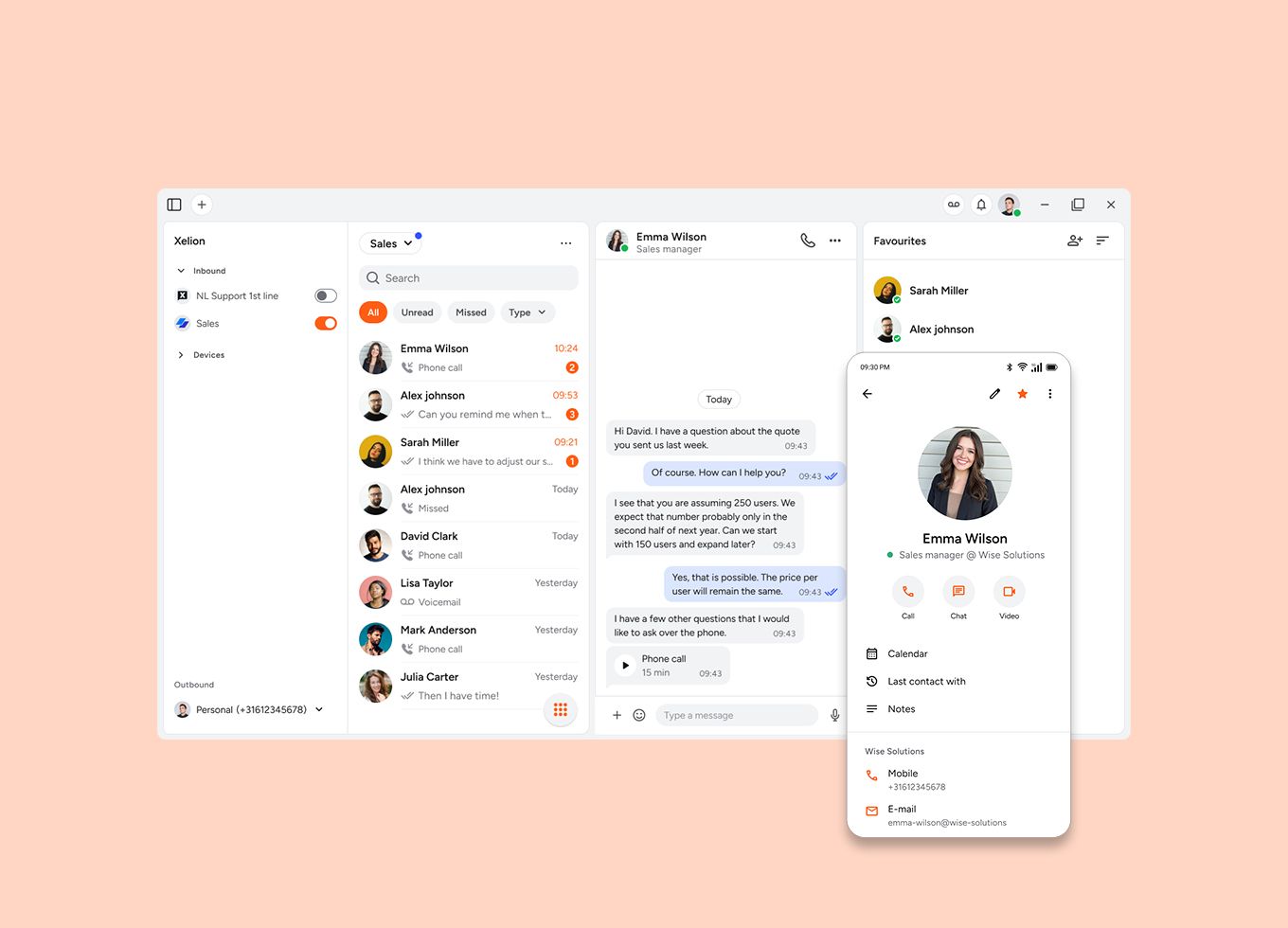
Use Xelion on your computer, smartphone, or desk phone. You're available on whichever device suits you best, and can switch between them just as easily.
Log in to a shared device with your personal code. From that point, your calls come through on that device. At the end of your working day, simply log out.
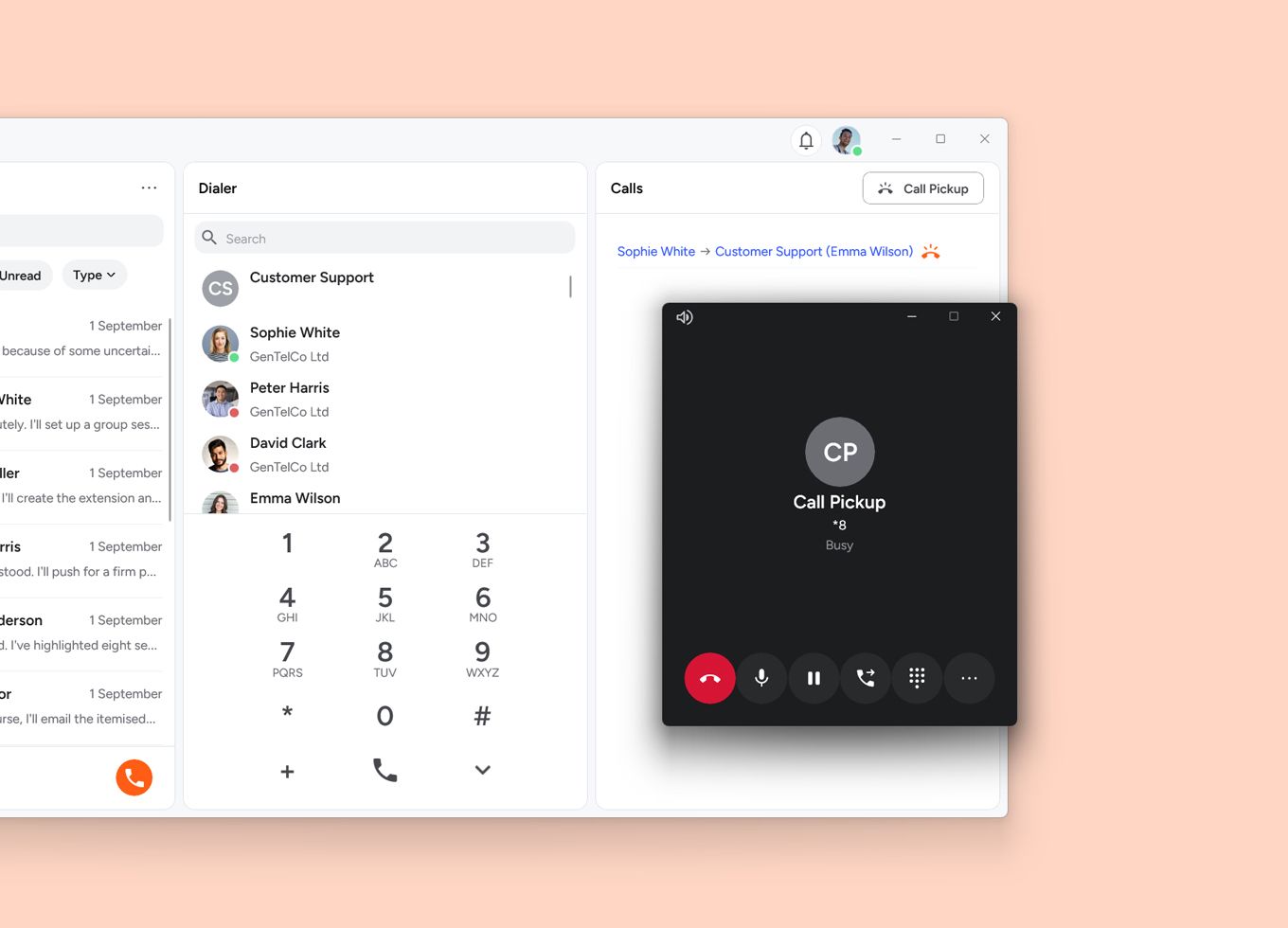
Pick up a call coming in for a colleague or another call group. With one tap, you pull the call through to your own device and stop callers from waiting unnecessarily.

Always up to date, wherever you are
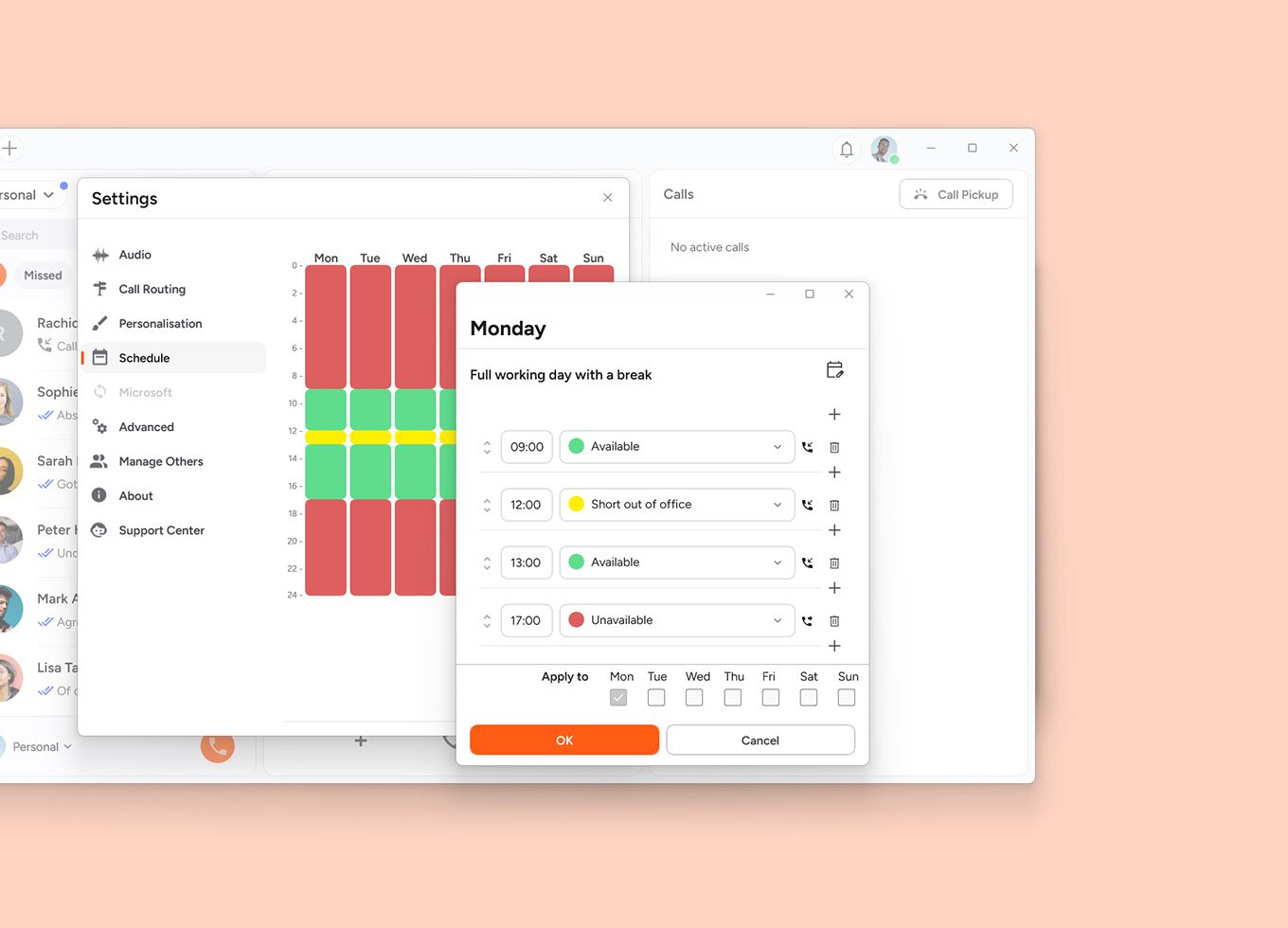
Set fixed working days and hours and let Xelion automatically adjust your availability. Easily add breaks, exceptions, or part-time schedules. That way, you don't have to think about it yourself.
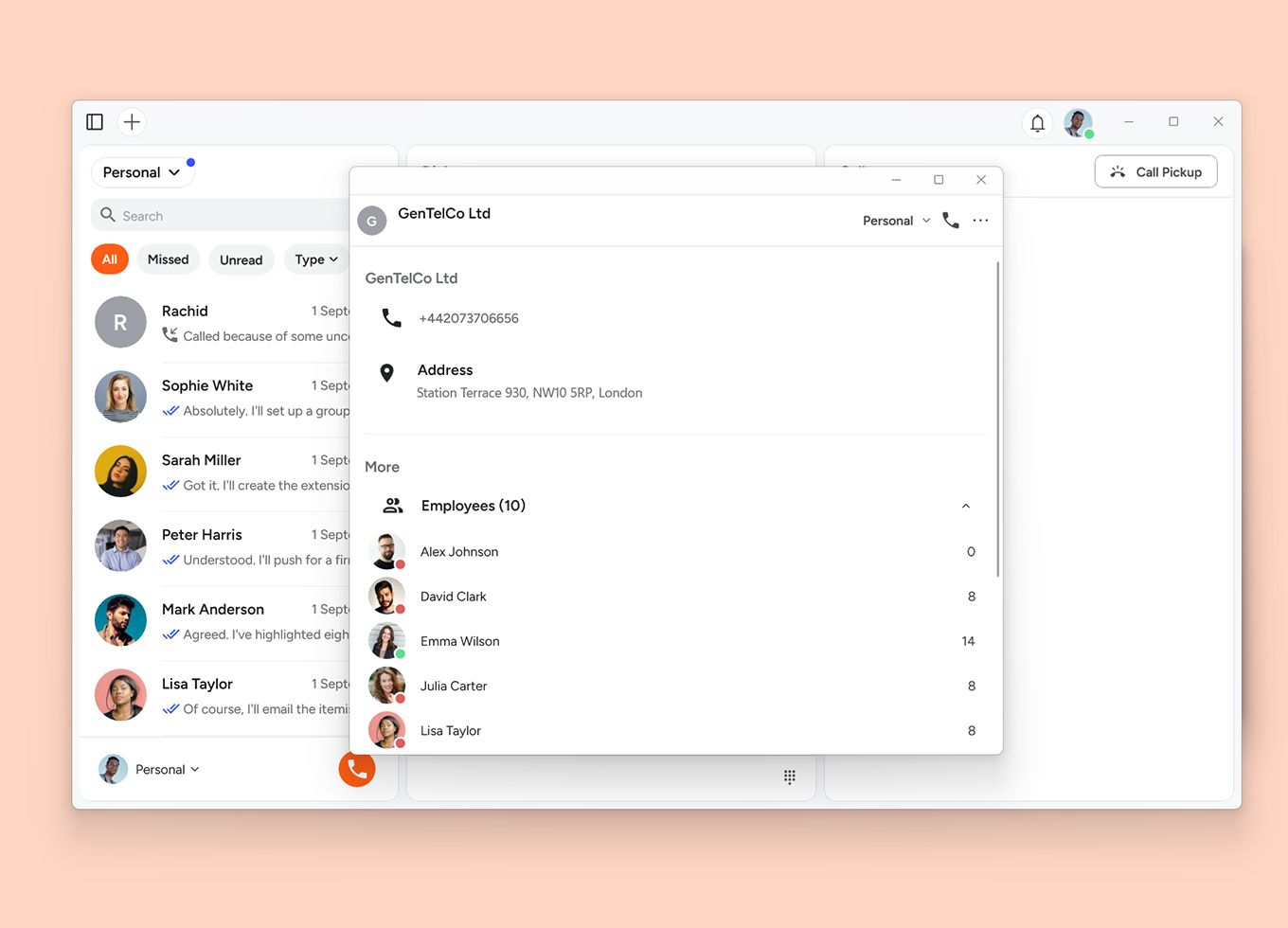
Find colleagues and business contacts quickly in one shared address book. The most up-to-date contact details are available on all your devices, wherever you work.
Let callers leave a message when you're not available. Listen to voicemail in the app or receive the message by email. With transcription, you can also read voicemail as text.

Ready to get set up?
Trusted by over 20,000 businesses for 38 years, our partners are ready nationwide to set up Xelion for your organisation.
Contact us Request a demo